
Scrap Dragon Xtreme Version 3.1.0 Release Notes April 2017
New in this release of Scrap Dragon Xtreme are the following enhancements. Click here for previous Release Notes
| Texas Cash Card | An enhancement to the Texas Cash Card is available if the customer has a Texas Cash Card setup as a certificate and that customer is not exempt from payment rules. | ||
|---|---|---|---|
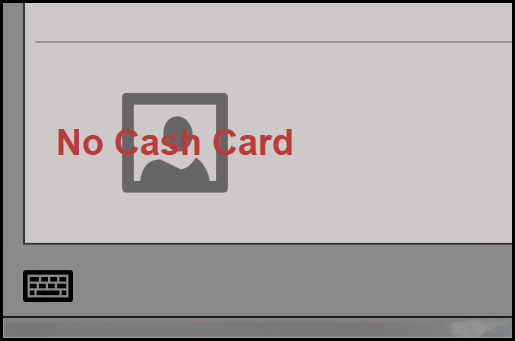
An image of the customer’s Texas Cash Card is now available to view on the Pay Ticket and Pay Tickets by Number pages.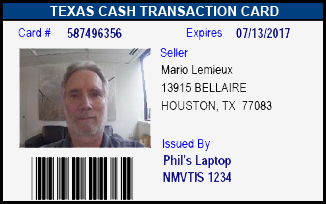
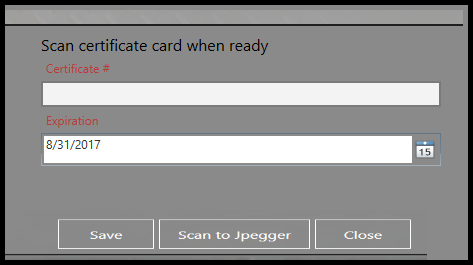
If no card is present, you will see an image that says ”No Cash Card” in its place. If the customer has a Cash Card, but it has not yet been scanned in, you can scan in the image in the Edit customer page. |
|||
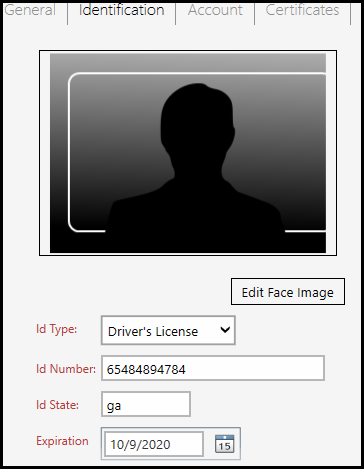
| Non Texas Yard | An image of the customer’s Driver’s license is now available to view on the Pay Ticket or Pay Tickets by Number screen.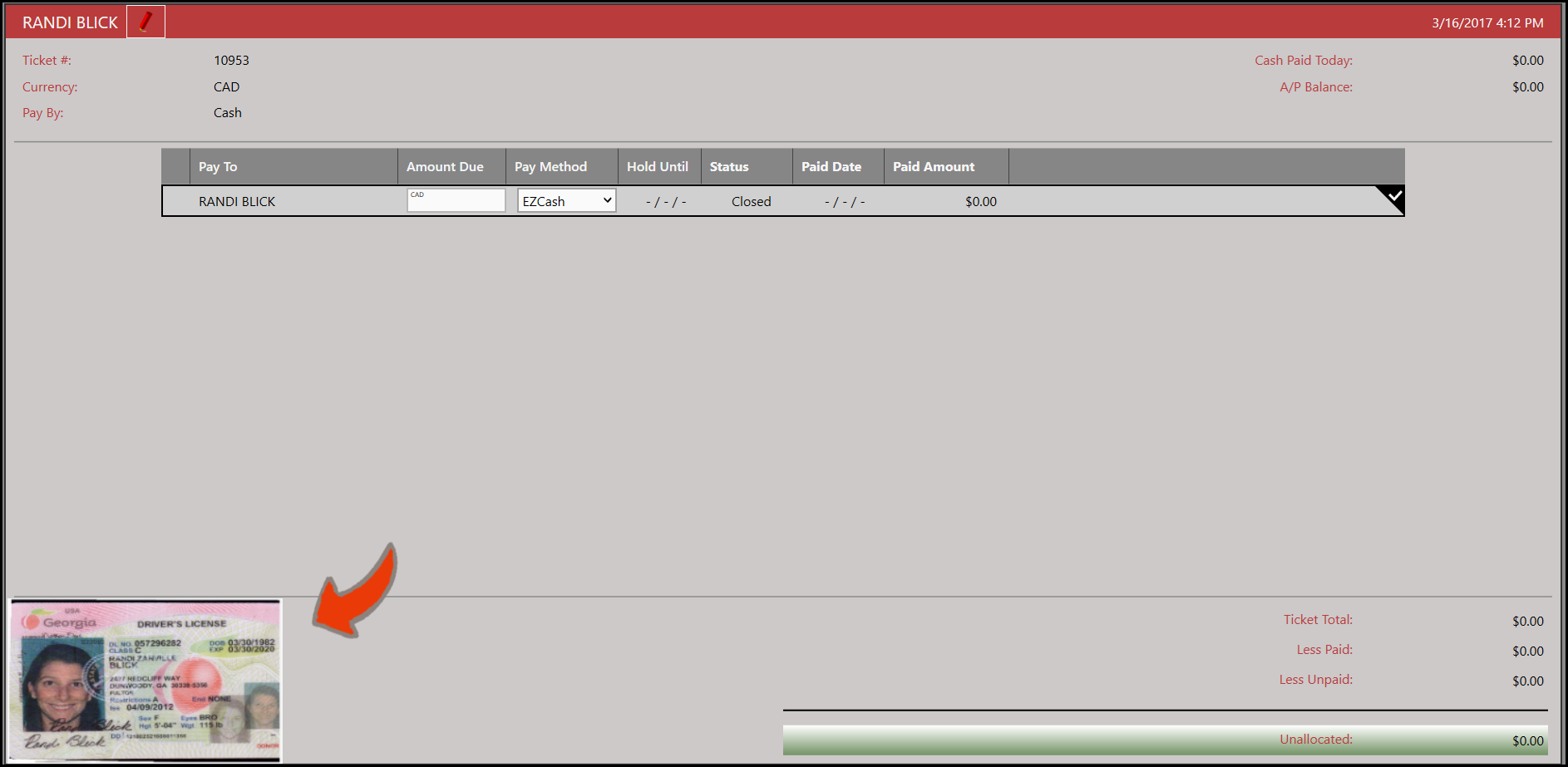 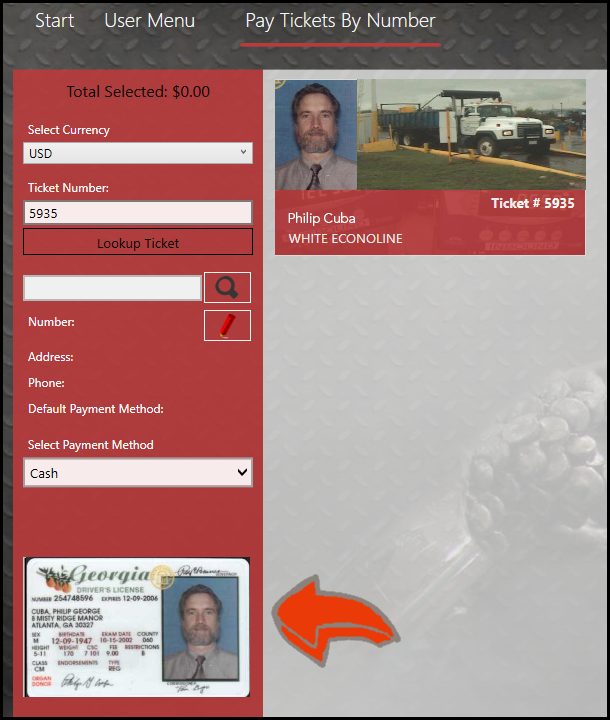
If no ID is on file, u will see an image that says “No ID Image” in its place. If the customer has a license, but it has not yet been scanned in, you can scan in the image in the Edit customer page |
||
| Other Certificates | If a commodity requires a certificate (other than a Cash Card) in order to be purchased, you will see some changes in the Buy screen.
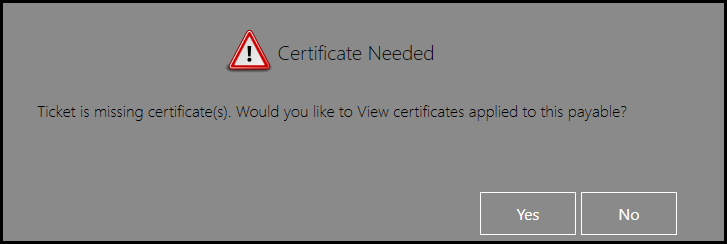
When a commodity is selected in a ticket, a message will pop up if the customer does not have a certificate for the commodity.
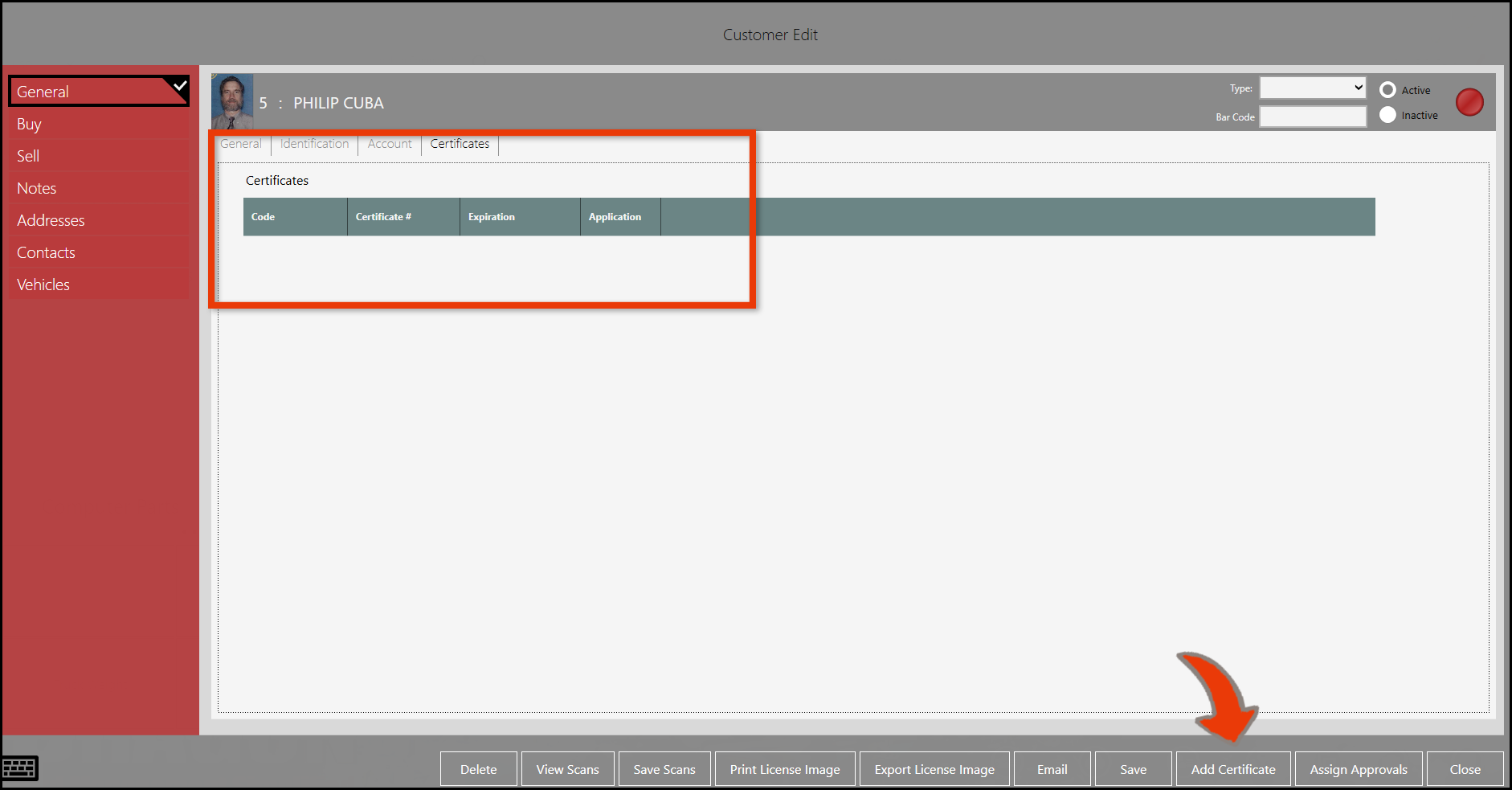
If you select Yes, you will be directed to their Customer profile and can add a new certificate, in need be. |
||